A campaign can be well-prepared in terms of creatives, targeting, and landing pages, but still run into issues at launch if the Facebook Ads Account is not ready.
Payment errors, insufficient balance, incorrect access permissions, or account restrictions can cause ads to deliver slowly or become interrupted.
That’s why, before launching, Media Buyers and Ads Teams should follow a fixed account checklist instead of only checking when problems occur.
Let’s discover with Nolimit Topup!
1. CHECK THE FACEBOOK ADS ACCOUNT STATUS
First, confirm that the account is active and has no restrictions that could affect ad delivery.
Check the account status, restriction notifications, advertising history, and any previous issues.
If the Facebook Ads Account has recently encountered an error or has been inactive for an extended period, resolve the issue and confirm its status before launching a new campaign.
2. CHECK PAYMENT & FACEBOOK ADS ACCOUNT LIMITS
Unstable payment conditions can cause a campaign to stop shortly after launch.
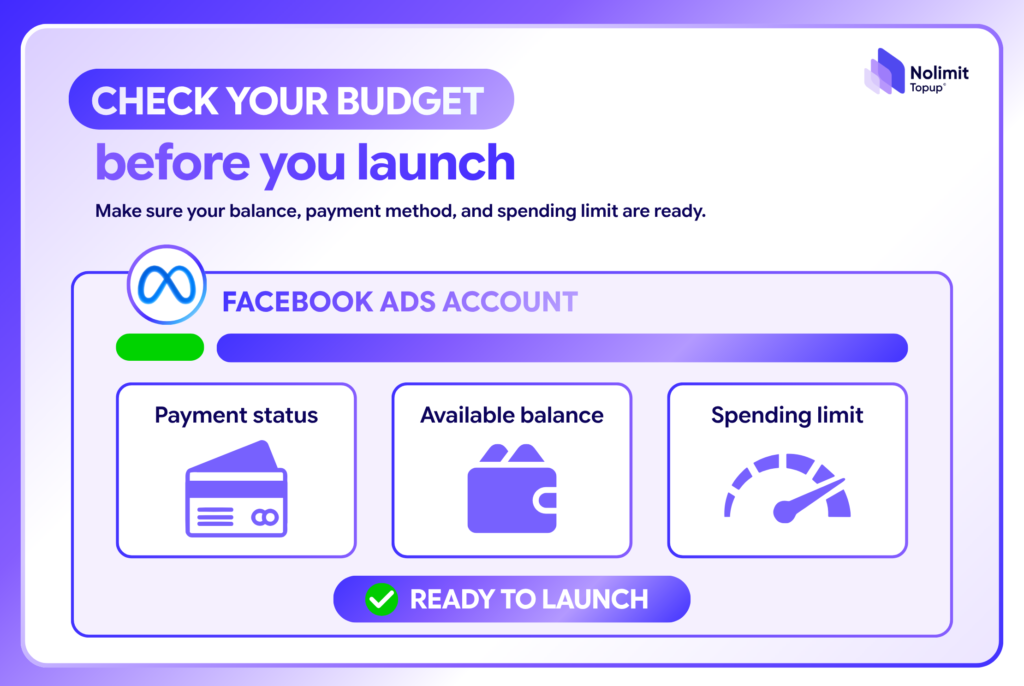
Before launching, the Ads Team should check:
- Payment method is active.
- Balance is sufficient for the planned budget.
- Spending limit supports the campaign plan.
- Transaction history shows no payment errors.
- The top-up process is ready.
If you are using a rented Facebook Ads Account, confirm the top-up schedule, payment method, and process for handling situations where the balance has not been updated.
3. CHECK ACCESS PERMISSIONS & CONNECTED ASSETS
A Facebook Ads Account does not operate independently. It is often connected to a Page, Pixel, Domain, Catalog, and other assets.
Before launching, make sure:
- The right people have the correct access permissions.
- Page and Pixel are properly connected.
- Domain and Catalog have no issues.
- No critical asset is restricted.
This check is especially important when multiple team members manage the account or when a campaign is transferred from another project.
4. FACEBOOK ADS ACCOUNT PRE-LAUNCH CHECKLIST
Before turning on a campaign, the Ads Team can quickly check:
- Ads Account: Active and operating normally.
- Payment: Payment method is ready.
- Balance: Sufficient for the planned spending.
- Limit: Spending limit supports the budget.
- Access: Right people, right permissions.
- Assets: Page, Pixel, Domain, and Catalog are properly connected.
- Backup: A backup plan is available for critical campaigns.
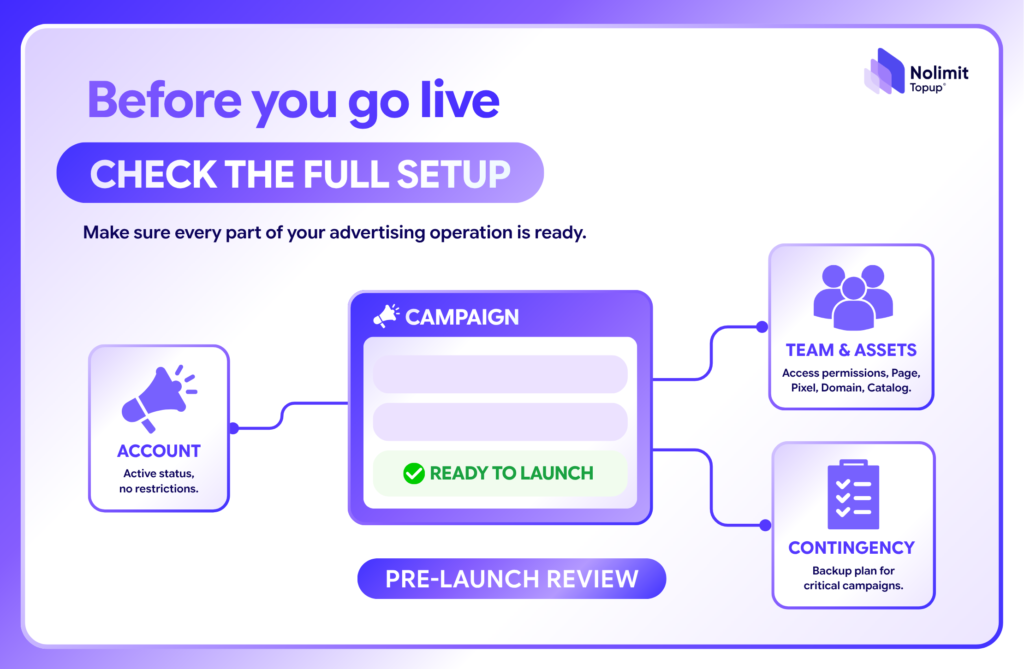
Once these factors have been confirmed, the team can launch the campaign with greater confidence and reduce the risk of having to troubleshoot issues immediately after the ads go live.
CONCLUSION
Checking your Facebook Ads Account before launching does not take much time, but it can help prevent unnecessary disruptions.
Account, payment, balance, limit, access, and backup should all be verified before a campaign goes live.
A consistent pre-launch checklist helps Ads Teams manage Facebook Ads more efficiently and consistently, especially when handling multiple campaigns and multiple Facebook Ads Accounts at the same time.
Leave a Reply